
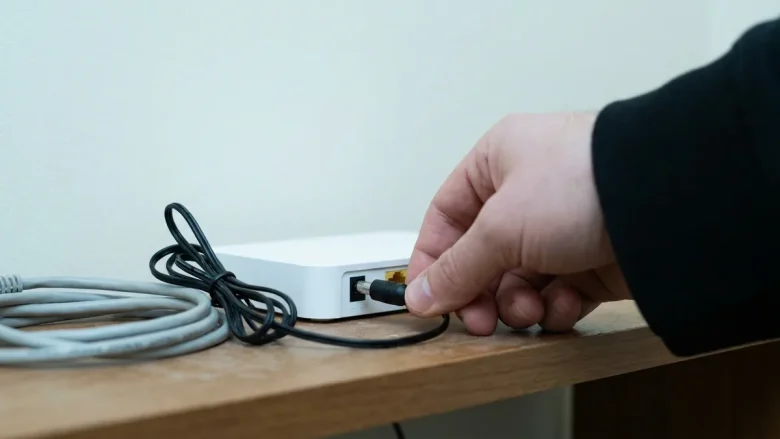
Few things are more frustrating than a laptop that constantly drops its Wi-Fi connection during a meeting, download, or streaming session. When this happens, the most common mistake is immediately changing advanced settings on the computer without checking the network, or buying a new router when the laptop is actually at fault. To solve a …
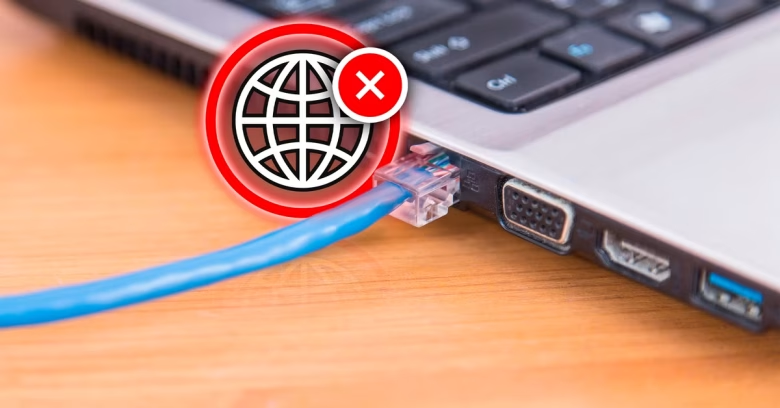
Connecting an Ethernet cable directly to your PC should provide the most stable, reliable internet connection possible. However, seeing an “Ethernet Connected, No Internet” status or the dreaded globe icon can halt your work completely. This status indicates that your computer has established a physical local link with your router or switch, but it cannot …

When your laptop connects to your phone’s Wi-Fi hotspot, Windows confirms a link with a full Wi-Fi signal icon, yet web pages refuse to load and the system reports “No Internet.” This state means the local wireless handshake between the laptop and the phone was successful, but the data cannot travel past the phone to …
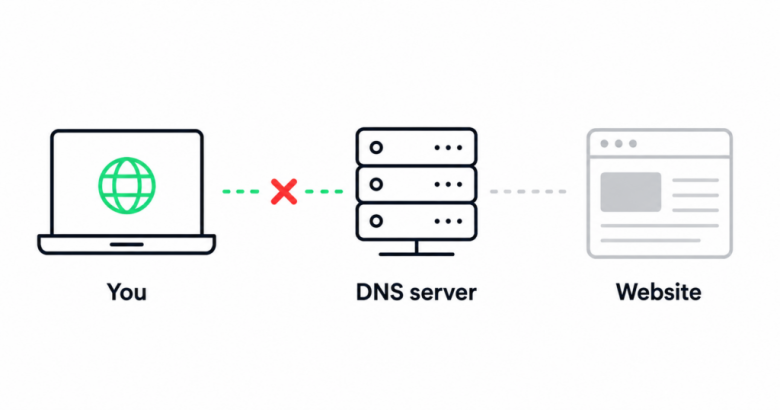
It is a baffling scenario: your smartphone, smart TV, and laptop connect to the Wi-Fi without issue, but a single computer or phone refuses to load any websites. When internet access works on everyone else’s equipment except your specific device, the problem is localized. It points to a software glitch, a corrupted DNS cache, or …