
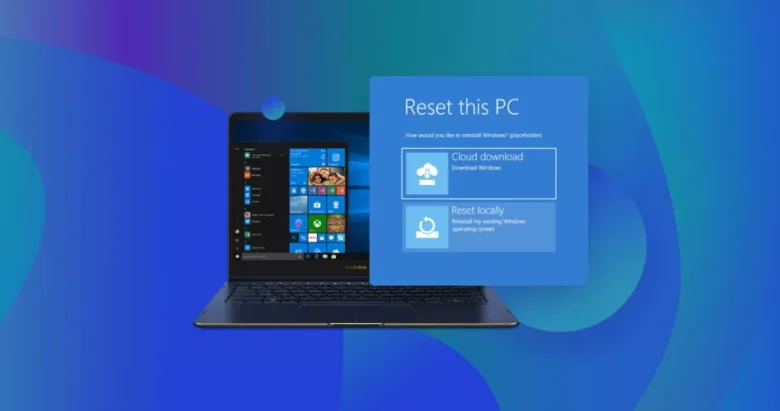
When a Windows program closes without warning or freezes mid-task, reinstalling the application is often the first piece of advice you will hear. However, uninstalling and reinstalling an app rarely fixes crashes caused by corrupted user-profile caches, conflicting background services, outdated graphics drivers, or damaged shared Windows runtime libraries. Worse, a hasty reinstall or reset …
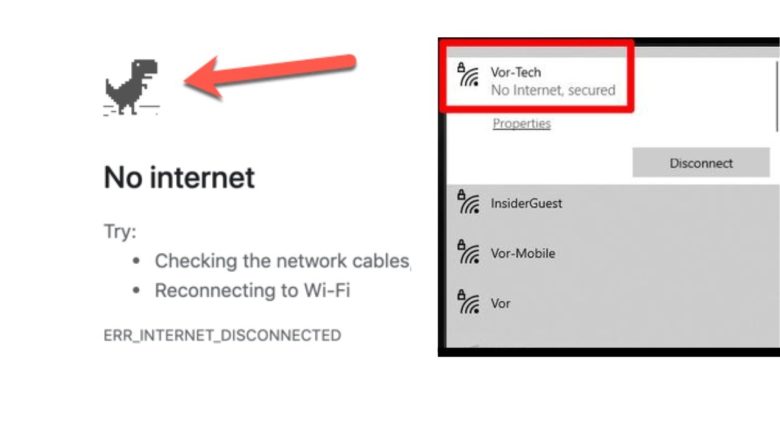
Few status messages are more frustrating than clicking the Windows taskbar network icon and seeing No Internet, secured (alongside the globe icon) while sitting right next to your wireless router. When that happens, many people immediately unplug the router—interrupting everyone else in the house or office—or worse, hold down the recessed Reset pinhole button on …
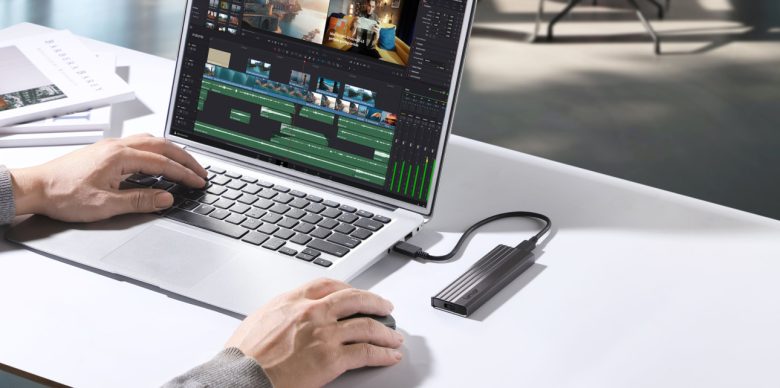
When a Windows laptop begins taking minutes to boot, freezing when you switch between browser tabs, or stuttering during video calls, the most common advice is to buy more RAM, upgrade the SSD, or replace the laptop entirely. However, hardware rarely “wears out” in a way that gradually slows down processing speed. In most cases, …
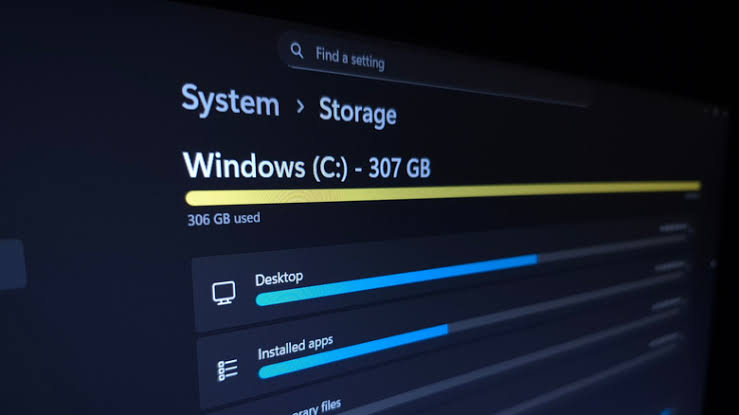
When Windows warns you that your main drive (usually the C: drive) is almost full, your computer doesn’t just prevent you from saving new files—it can also slow down significantly, fail to install critical security updates, and experience sudden app crashes. The temptation in that moment is to open File Explorer and start deleting large …
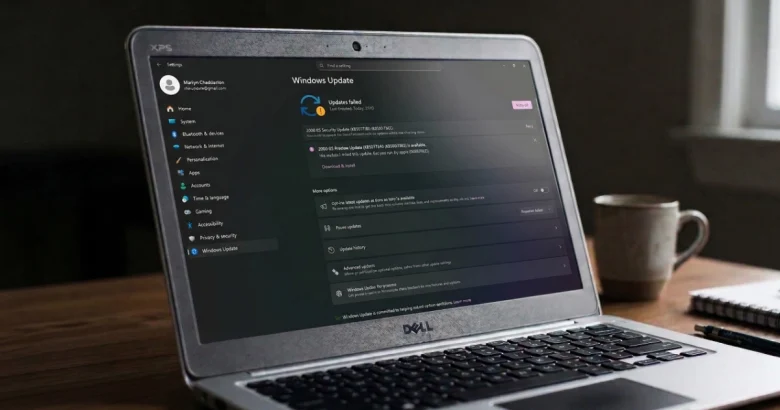
When a Windows update freezes at 0%, loops indefinitely on “Downloading – 100%”, or fails with an obscure error code like 0x80070002 or 0x80244007, it is easy to assume your operating system is severely corrupted. Many online guides immediately recommend running complex command-line scripts, clearing the Software Distribution folder manually, editing the Windows Registry, or …
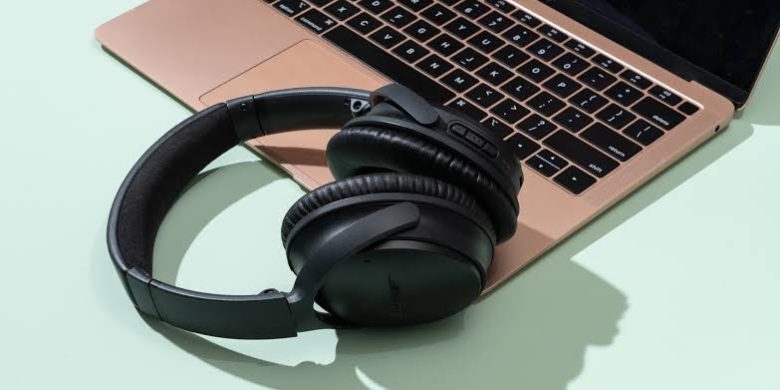
There is nothing quite as disruptive as getting halfway through a phone call, video, or song only for your Bluetooth headphones to suddenly disconnect and route audio out loud through your phone or laptop speakers. Bluetooth dropouts can stem from a variety of sources, ranging from temporary software glitches and physical interference to outdated drivers …