
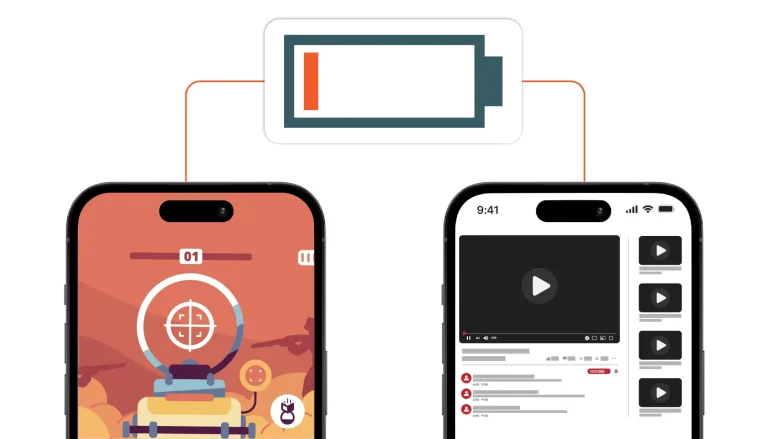
Waking up to find your Android phone’s battery significantly depleted—or completely dead—after leaving it idle overnight is frustrating. When your phone is sitting on a nightstand untouched, it should only consume a minimal amount of power (typically 2% to 5% over 7 to 8 hours). If your battery drops by 20%, 30%, or more, background …
It is deeply frustrating when an app suddenly crashes back to your home screen right as you are using it. When Android apps keep closing unexpectedly, many online guides immediately suggest clearing the app’s storage or data. However, clearing app data often wipes out your saved preferences, downloaded files, local game progress, and login credentials, …
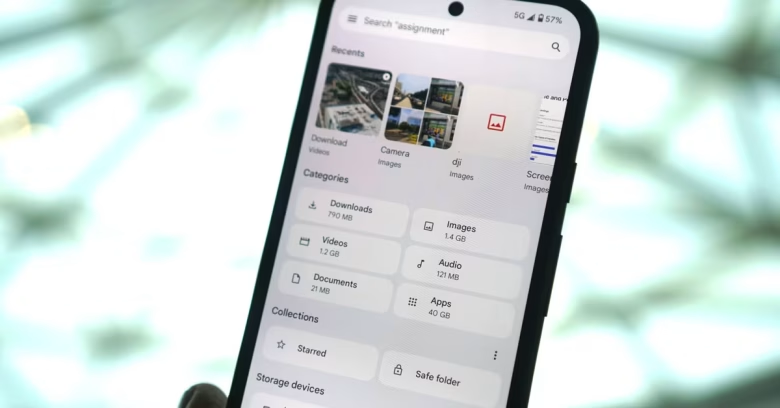
Few things are more frustrating than deleting gigabytes of photos, videos, and large apps, only to check your settings and see that your Android storage is still completely full. When this happens, it usually means the operating system hasn’t purged the deleted items completely, or hidden system data, app caches, and cloud sync backups are …

Plugging your phone in before bed and waking up to find it only at 60% is an exercise in frustration. When an Android phone starts charging at a snail’s pace, it can disrupt your daily routine and make reliable device usage difficult. Slow charging is rarely a mystery; it almost always points to a bottleneck …

Missing a critical text, an important email, or a delivery update because your phone stayed silent can throw off your entire day. When Android notifications stop working or arrive hours late, it is rarely a permanent hardware failure. Most of the time, aggressive power-saving features, disabled notification channels, or system focus modes are blocking apps …