

There is nothing quite as disruptive as getting halfway through a phone call, video, or song only for your Bluetooth headphones to suddenly disconnect and route audio out loud through your phone or laptop speakers. Bluetooth dropouts can stem from a variety of sources, ranging from temporary software glitches and physical interference to outdated drivers …
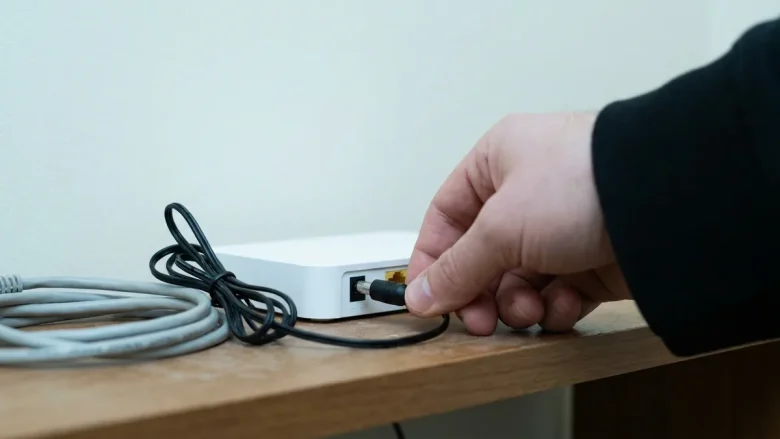
Few things are more frustrating than a laptop that constantly drops its Wi-Fi connection during a meeting, download, or streaming session. When this happens, the most common mistake is immediately changing advanced settings on the computer without checking the network, or buying a new router when the laptop is actually at fault. To solve a …
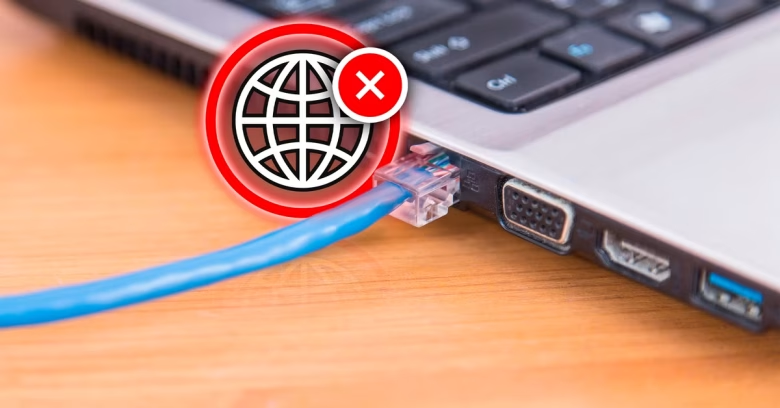
Connecting an Ethernet cable directly to your PC should provide the most stable, reliable internet connection possible. However, seeing an “Ethernet Connected, No Internet” status or the dreaded globe icon can halt your work completely. This status indicates that your computer has established a physical local link with your router or switch, but it cannot …

When your laptop connects to your phone’s Wi-Fi hotspot, Windows confirms a link with a full Wi-Fi signal icon, yet web pages refuse to load and the system reports “No Internet.” This state means the local wireless handshake between the laptop and the phone was successful, but the data cannot travel past the phone to …
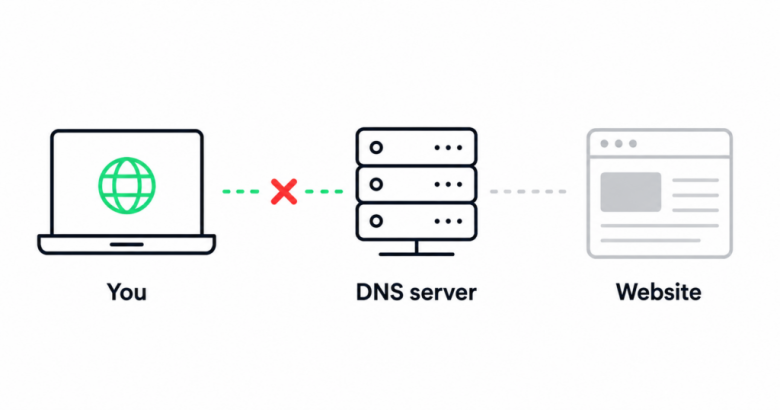
It is a baffling scenario: your smartphone, smart TV, and laptop connect to the Wi-Fi without issue, but a single computer or phone refuses to load any websites. When internet access works on everyone else’s equipment except your specific device, the problem is localized. It points to a software glitch, a corrupted DNS cache, or …
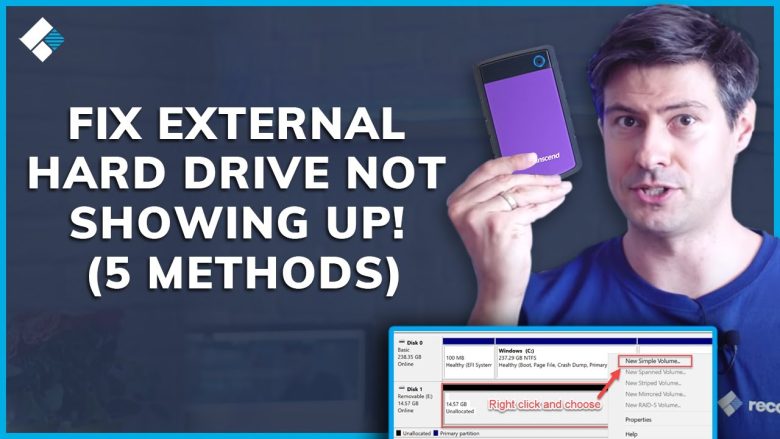
Connecting an external hard drive only to find that it does not appear in File Explorer can be alarming, especially if you have critical files, photos, or backups stored on it. When Windows prompts you with messages like “You need to format the disk before you can use it,” formatting might restore visibility, but it …

When a cloud storage app like OneDrive, Google Drive, or Dropbox gets stuck in an endless “Processing changes” loop, your recent work is in jeopardy. The files exist on your local hard drive, but they are not successfully backed up to the cloud server. Many users panic and immediately uninstall the app or unlink their …
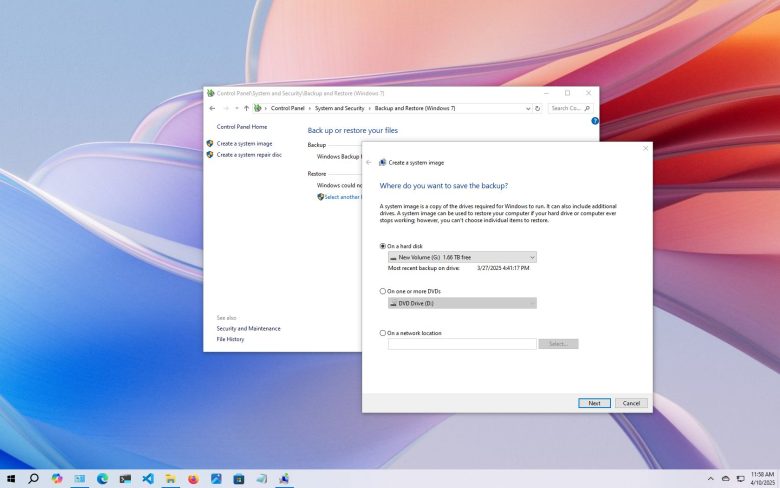
A backup strategy is only as good as your ability to restore files when a hard drive crashes, ransomware encrypts your documents, or a folder is deleted by accident. Many users set up an external drive or cloud tool once, assume it works indefinitely, and only discover months later that the drive was full, the …

Waking up to an email or push alert stating, “New login from an unrecognized device,” is one of the most common security warnings digital users experience. In the rush to secure personal accounts, many people immediately click the “Review Activity” button provided in the message. Unfortunately, scammers deliberately send fake security warnings that mimic companies …
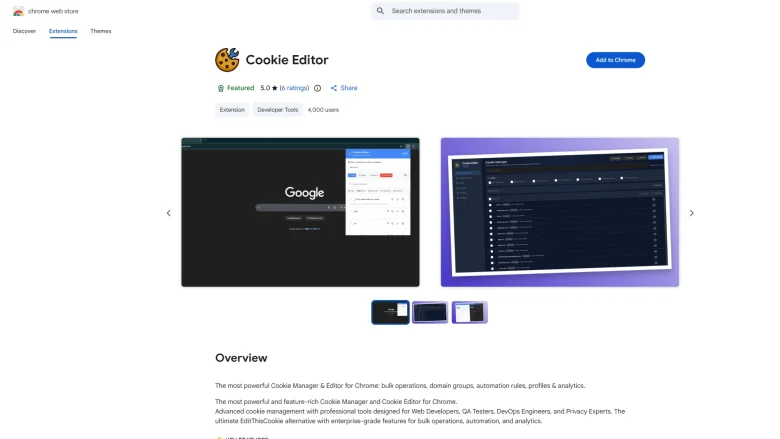
When you click “Remember Me” or “Stay Signed In” on a website, the platform creates a small encrypted file called a session cookie and stores it in your browser’s local folder. The next time you visit that website, your browser presents that cookie as proof of your identity so you do not have to type …